BetaWiTwin Studio
The RF Digital Twin
Describe a scene to the Agent, run differentiable Maxwell, radar and channel solvers on it, and keep every Project an ordinary Python codebase.
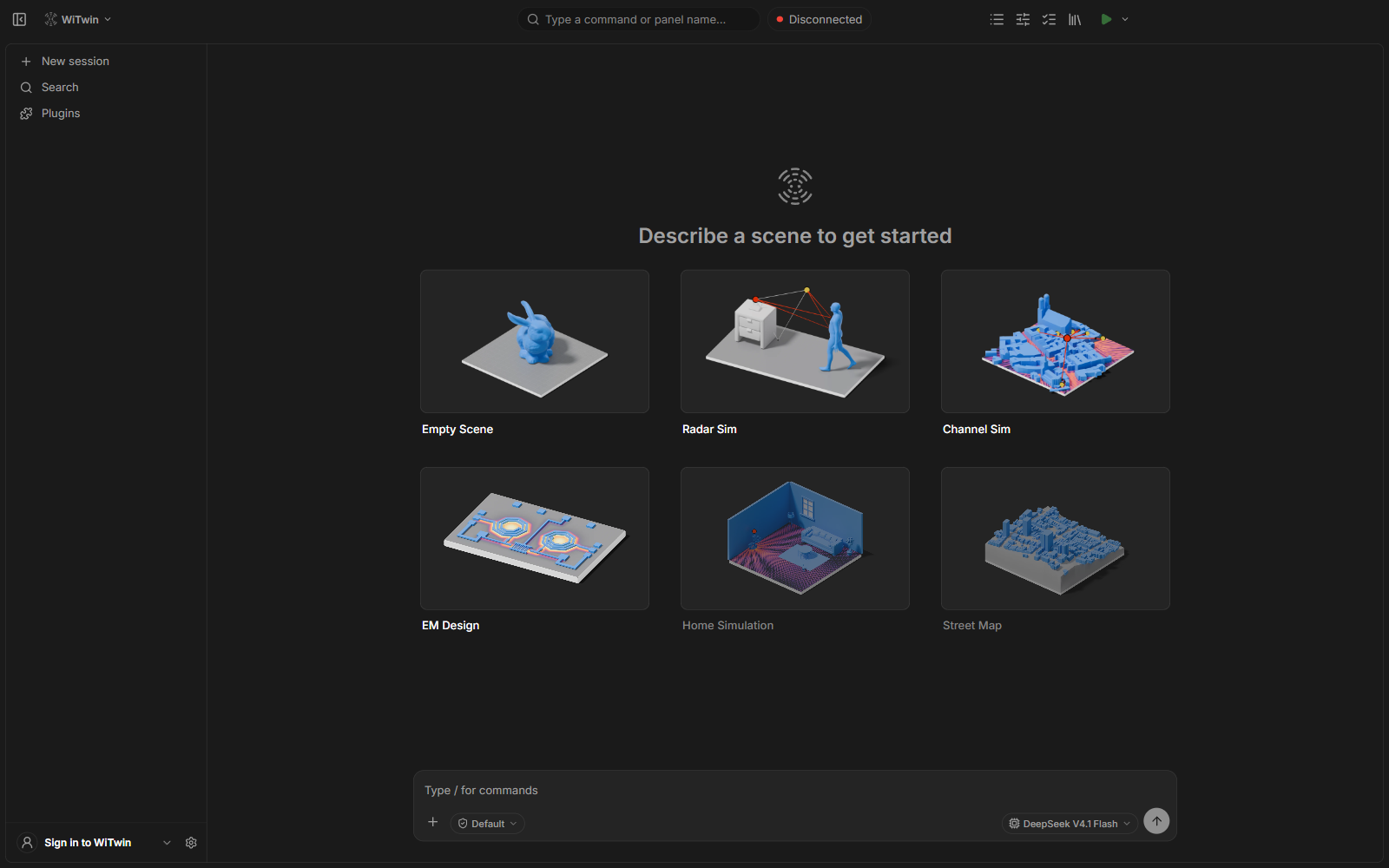
What you can build
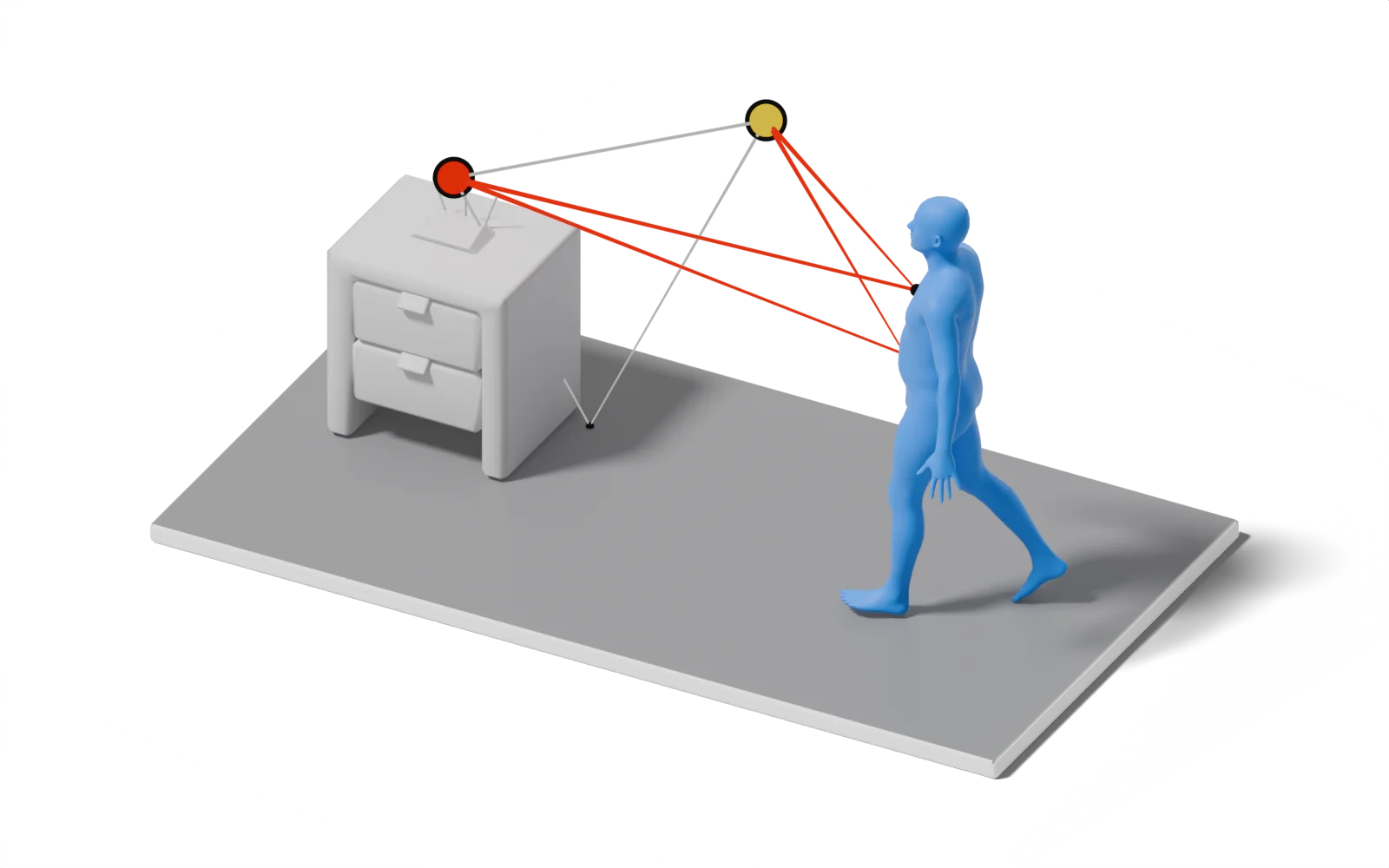
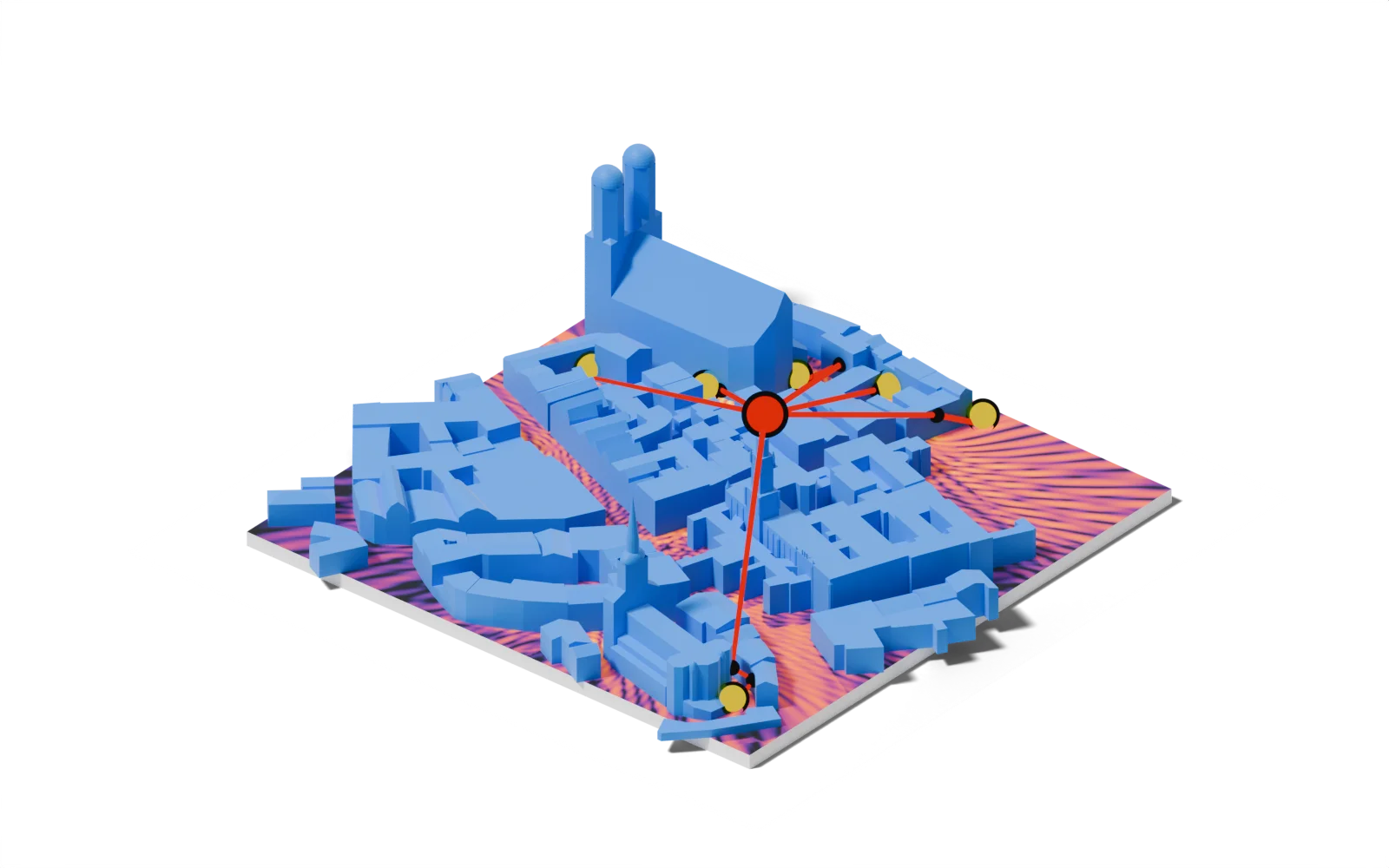
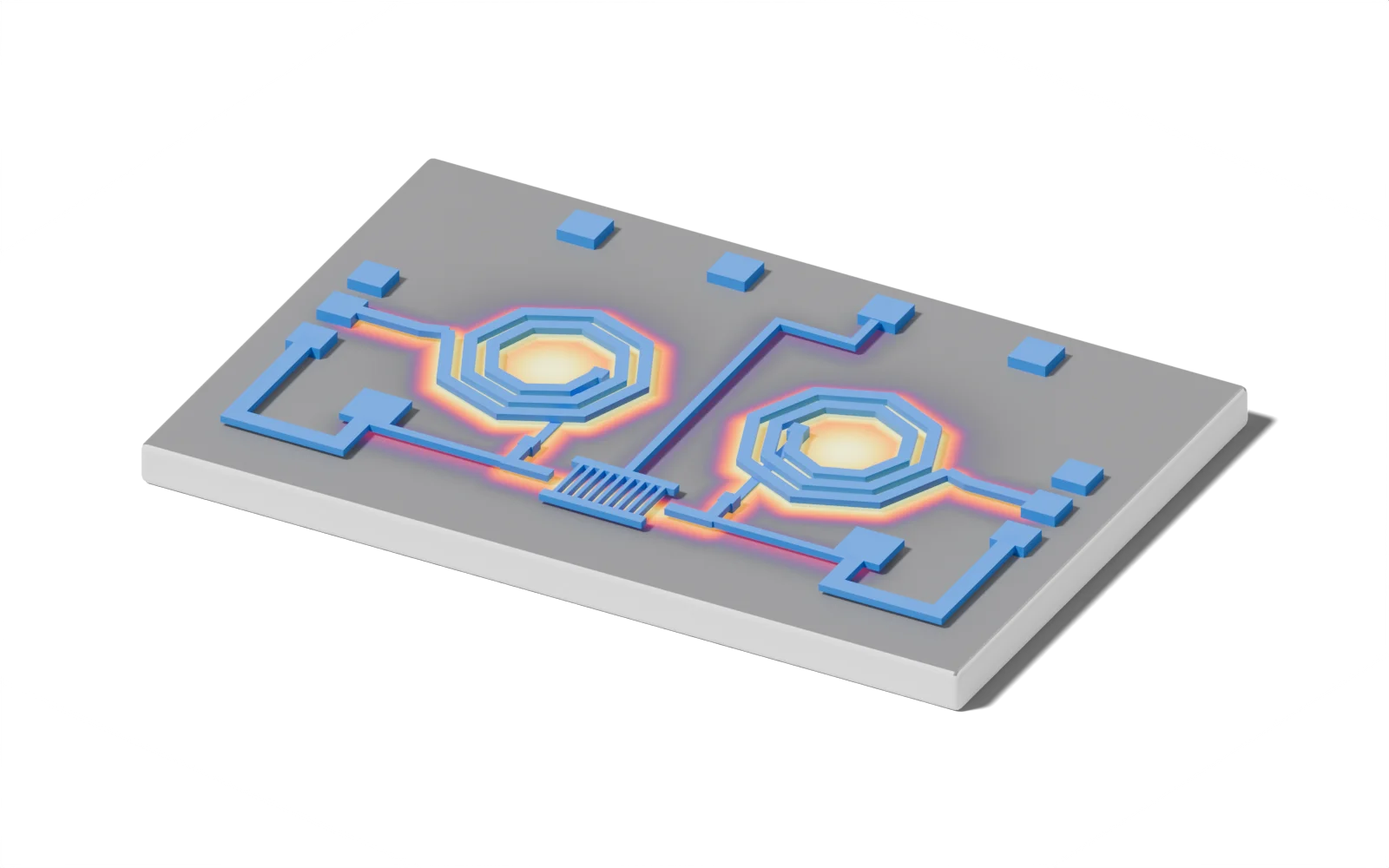
Studio opens on these templates. Each one is a complete Project with its scene, scripts and tests.


Get started
Studio for the editor; the solvers are Python packages you can use on their own.
Studio
AI-native editor: build scenes by chat, run solvers, keep every Project a Python codebase
From a sentence to a solved Scene
One editor and one set of open solvers for electromagnetics, radar and wireless channels
End-to-end differentiable
Maxwell, Radar and Channel plug into PyTorch autograd, so a loss on the simulated field, radar return or channel flows back to geometry, materials and positions. Studio runs gradient, sweep, Monte Carlo, genetic, PSO and Bayesian Studies on the same Scene.
Learn morePhysics inside your network
Solver outputs are torch tensors on the GPU. Put a simulator between two learned modules and train the whole model end to end, with the physics kept exact.
Learn moreEvery Project is a Python codebase
The Agent edits the same files your scripts read. A Project installs with uv sync, and witwin.studio opens its Scenes, runs solvers and reads Results without the editor, so it fits in notebooks, CI and clusters.
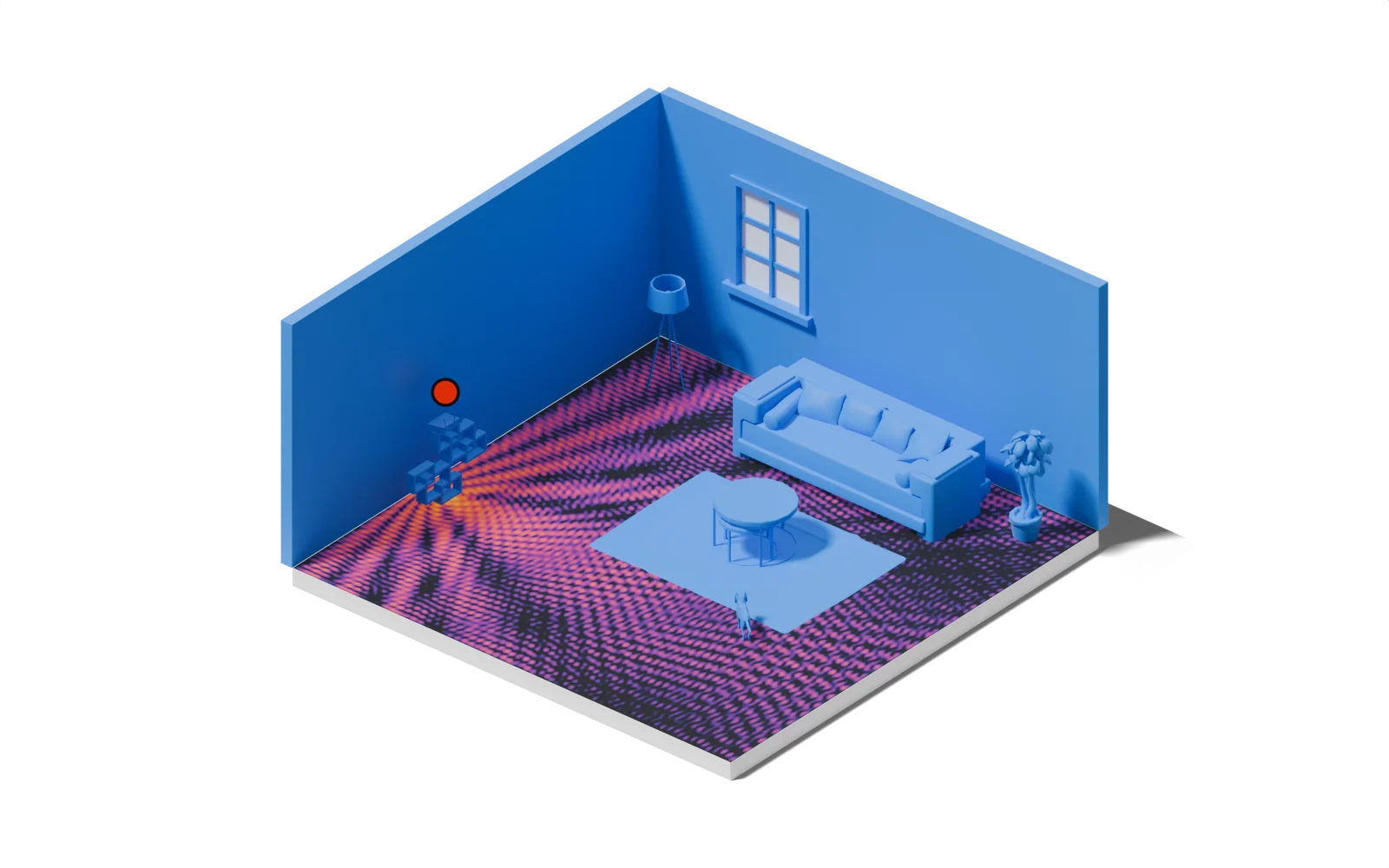
Learn morePut a person walking in the living room and a 60 GHz MIMO radar on the wall.
Added 3 objects to the Scene and set the radar to 60 GHz.


Citation
If you use RF Digital Twin in your research, please cite our paper
@inproceedings{chen2026rfdt,
  title     = {Physically Accurate Differentiable Inverse Rendering
               for Radio Frequency Digital Twin},
  author    = {Chen, Xingyu and Zhang, Xinyu and Zheng, Kai and
               Fang, Xinmin and Li, Tzu-Mao and Lu, Chris Xiaoxuan
               and Li, Zhengxiong},
  booktitle = {Proceedings of the 32nd Annual International Conference
               on Mobile Computing and Networking (MobiCom)},
  year      = {2026},
  doi       = {10.1145/3795866.3796686},
  publisher = {ACM},
  address   = {Austin, TX, USA},
}
Licensing
Research
For academic and non-commercial research purposes
- Full access to simulation capabilities
- Academic publications allowed
- Community support
Commercial
For commercial and enterprise applications
- Production deployment rights
- Priority support
- Custom integration assistance